2026/05/16(土)Animaの正式版が出たのでベンチマークやNovelAIと品質比較してみた
投稿日:
ComfyUIを使ってみる2で先月からComfyUIに移行したわけだが、最近Animaという有力なモデルのプレビュー版が出たということで乗り換えていた。
このAnimaは基本的にComfyUI用で、これまで使ってきたAUTOMATIC1111やreForgeでは使えないという噂で、非常にいいタイミングだった。
そして本日正式版としてbase-v1.0が出たのでベンチマークしてみることにした。また、出力品質が以前と比べて非常に向上しており、絵柄再現やキャラ再現ができたため、NovelAIとの簡単な比較もしている。
確認環境
ソフトウェア
ComfyUI v0.21.1
ハードウェア
| デバイス | 製品 |
|---|---|
| CPU | Intel Core Ultra 7 265F |
| GPU | GeForce RTX 5070 Ti |
| MEM | Crucial CT2K16G56C46U5 * 4 |
| M/B | ASRock Z890 Pro RS |
りこベンチ:XL:基準サイズ448x576px
これまでのりこベンチは基準となる画像サイズ(Empty Latent Image)を768x768pxで実施していたが、Animaでは896x1152pxが基準となる。
このため、まずはUpscaleで倍にすることを考え、画像の基準サイズを448x576pxに変更した、りこベンチで計測した。
| 設定 | 値 |
|---|---|
| Model | waiNSFWIllustrious_v150.safetensors |
| VAE | なし |
| Text Encoder | なし |
| Empty Latent Image (WxH) | 448x576px |
| Upscale | x2.00 |
| 二段KSampler(Hire.fix) | 有 |
| 5枚生成時の所要時間 | 33.84s |
ノード参考
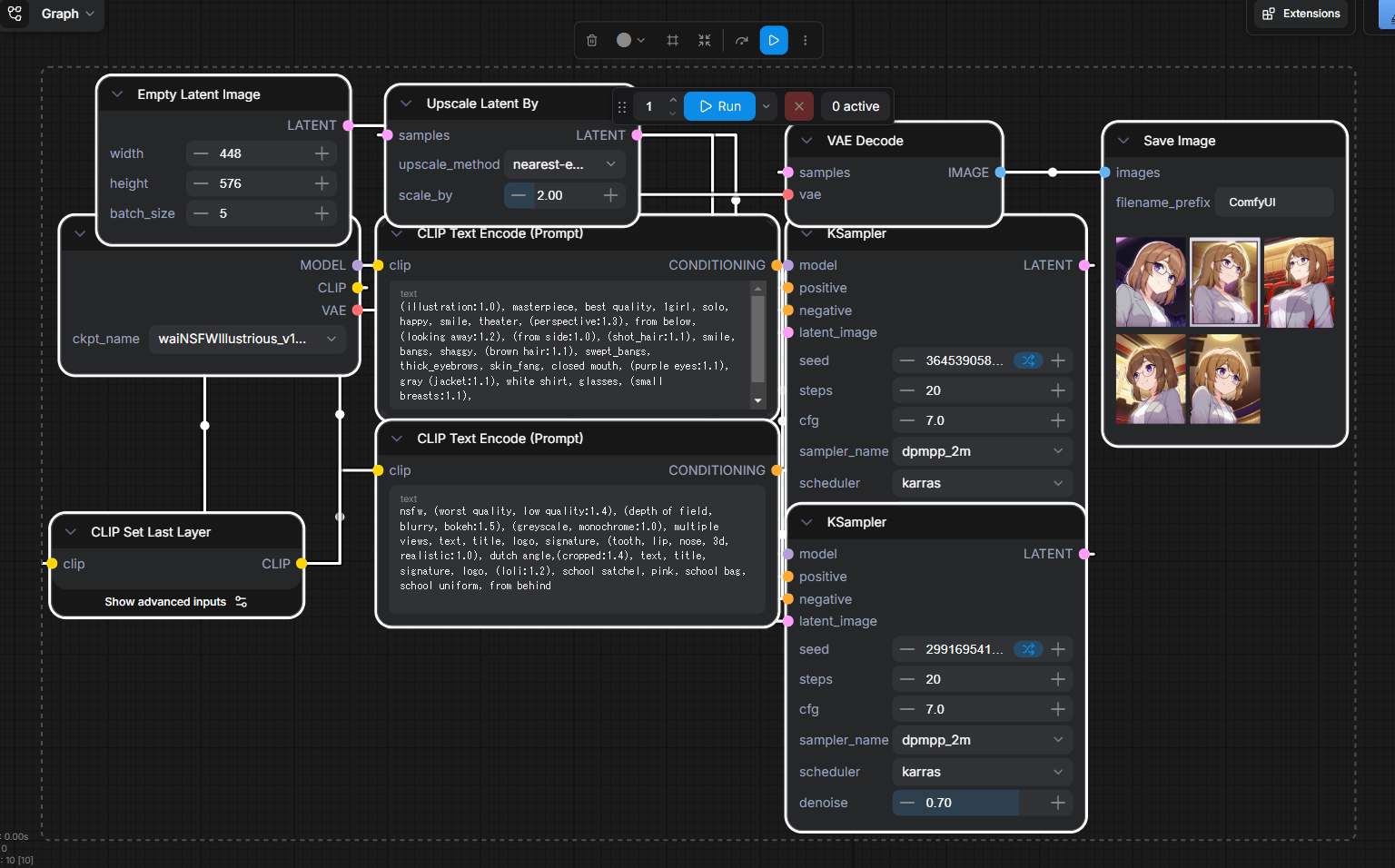
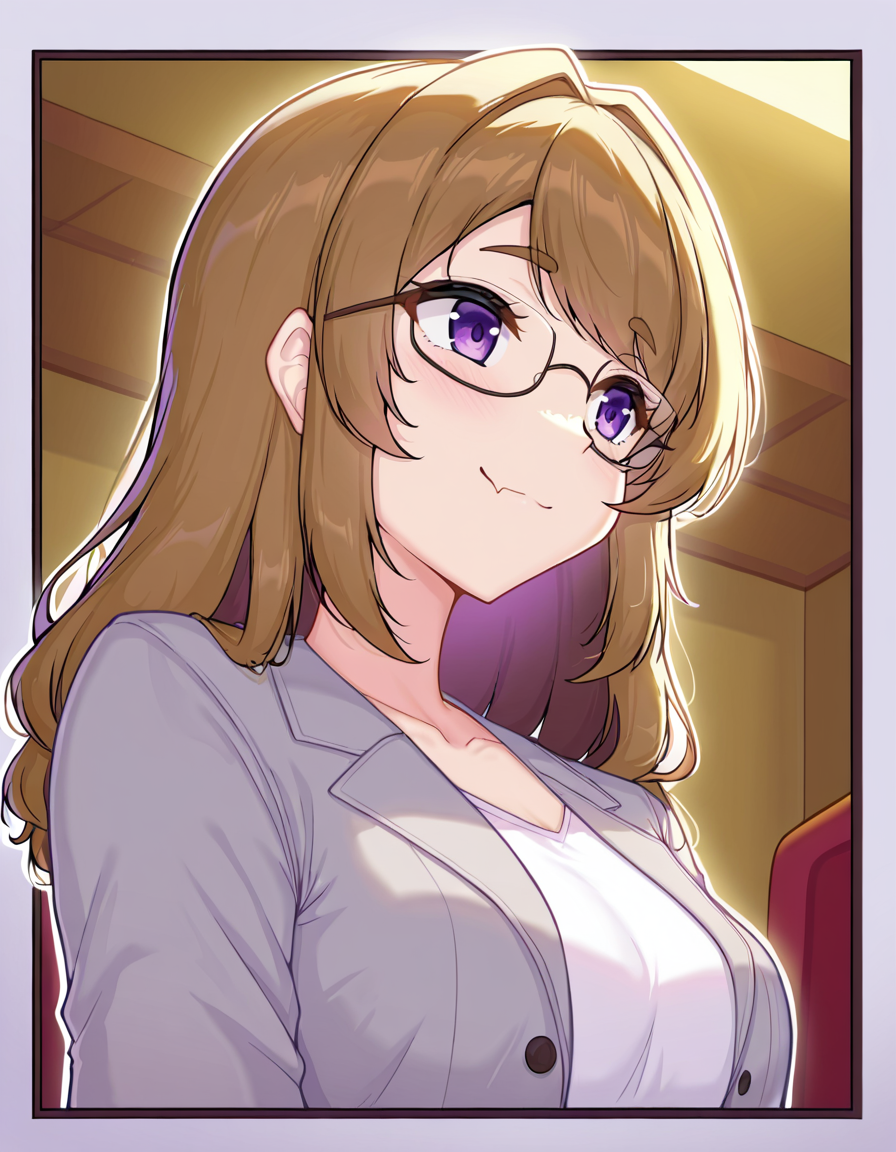
詳細は以下の成果物をComfyUIに突っ込めば出るので割愛。
成果物



りこベンチ:XL:基準サイズ896x1152px
次はUpscaleなしで等倍の896x1152pxが出る条件で計測した。
| 設定 | 値 |
|---|---|
| Model | waiNSFWIllustrious_v150.safetensors |
| VAE | なし |
| Text Encoder | なし |
| Empty Latent Image (WxH) | 896x1152px |
| Upscale | なし |
| 二段KSampler(Hire.fix) | 有 |
| 5枚生成時の所要時間 | 45.45s |
ノード参考
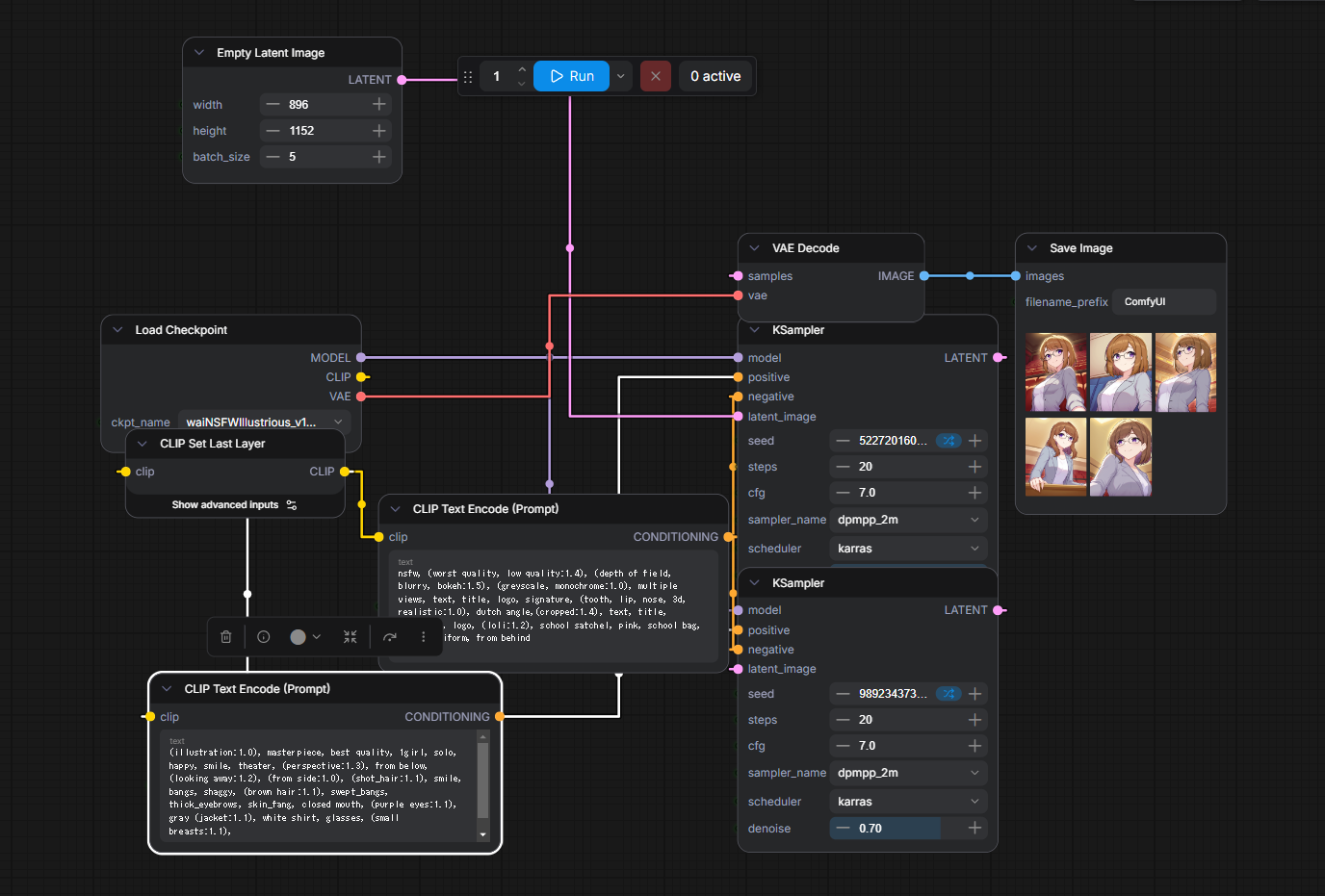
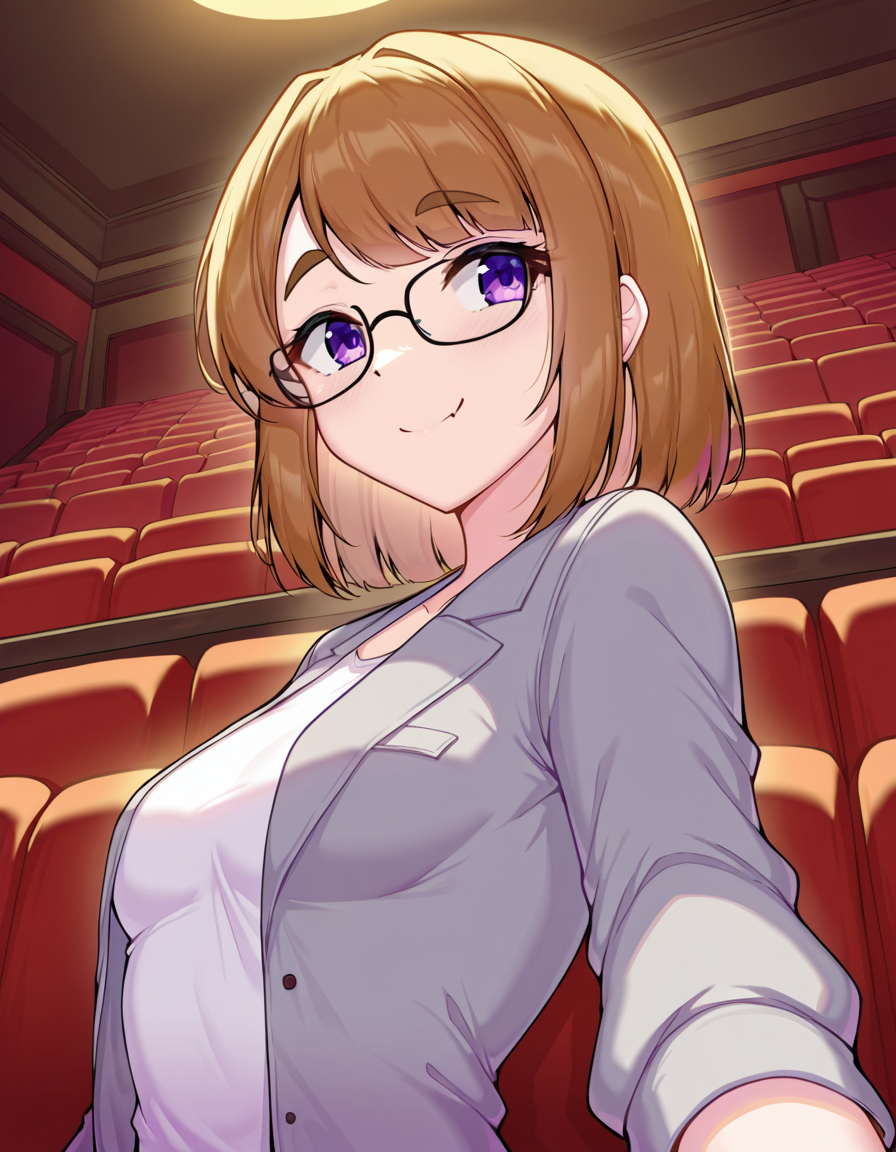
詳細は以下の成果物をComfyUIに突っ込めば出るので割愛。
成果物



りこベンチ:Anima:基準サイズ896x1152px
| 設定 | 値 |
|---|---|
| Model | anima_baseV10.safetensors |
| VAE | qwen_image_vae.safetensors |
| Text Encoder | qwen_3_06b_base.safetensors |
| Empty Latent Image (WxH) | 896x1152px |
| Upscale | なし |
| 二段KSampler(Hire.fix) | 有 |
| 5枚生成時の所要時間 | 90.27s |
ノード参考
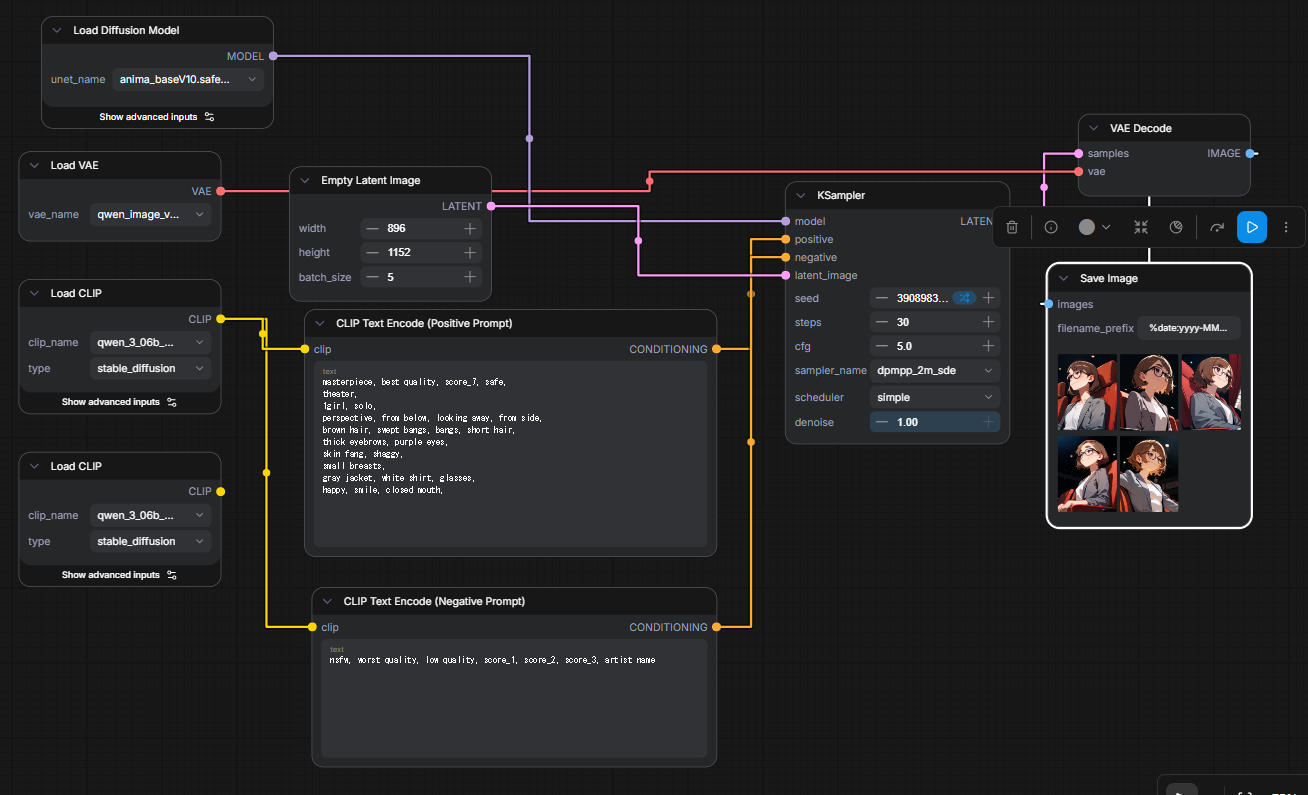
左下に何処にも繋がっていないノードがあるが、これは消し忘れたゴミである
詳細は以下の成果物をComfyUIに突っ込めば出るので割愛。
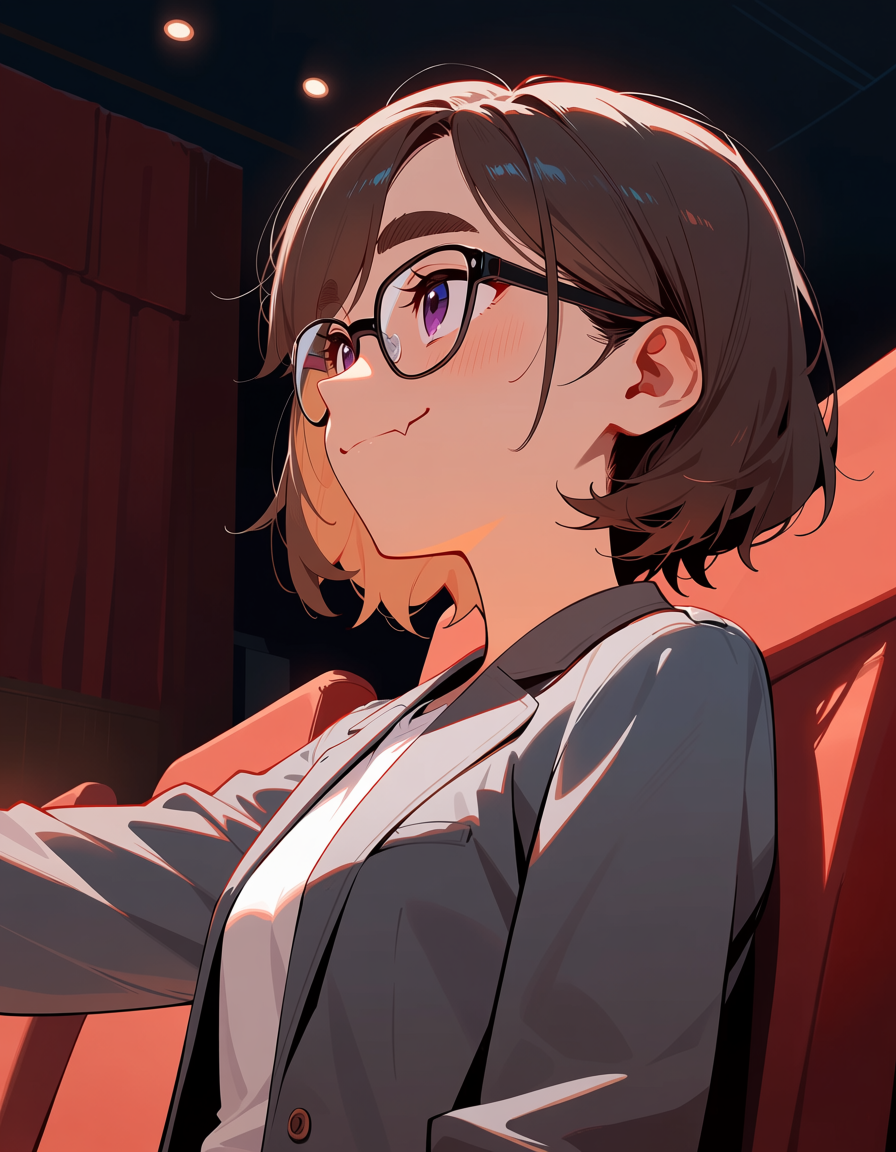
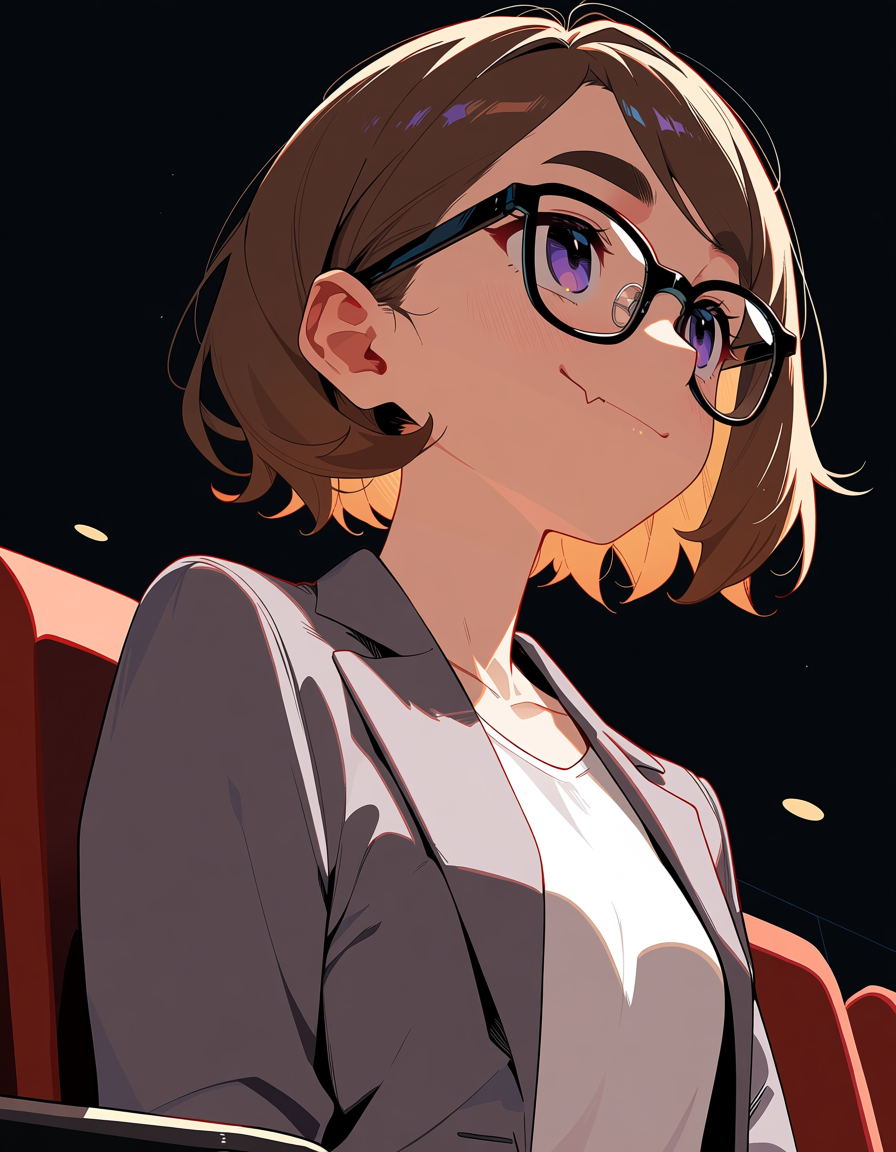
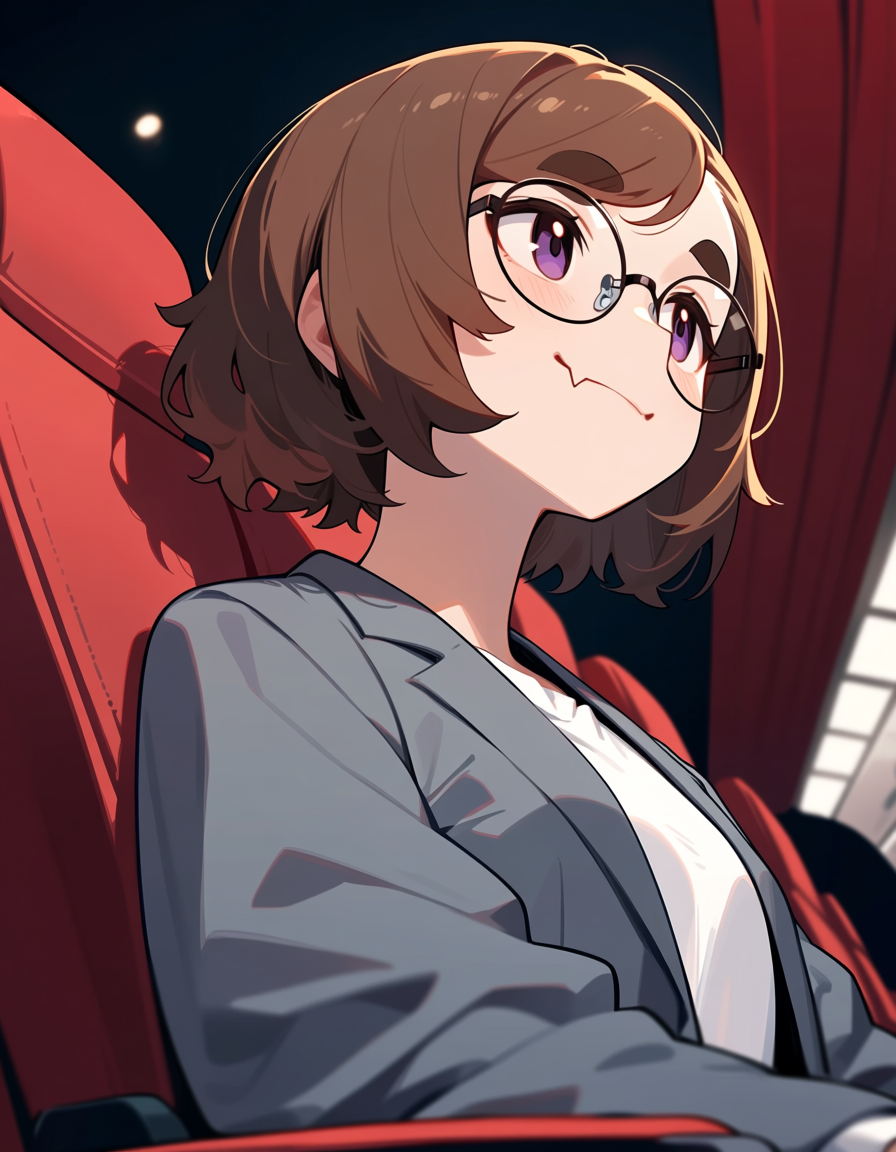
成果物
まとめ
| モデル | 画像の基準サイズ | 1枚辺りの生成速度 |
|---|---|---|
| XL | 448x576px | 6.768s |
| XL | 896x1152px | 9.090s |
| Anima | 896x1152px | 18.054s |
以上が今回のベンチの結果だが、Upscale前提だと生成速度が3倍にもなっている。これは見方次第ではやや厳しいタイムだ。
しかしComfyUIはWorkflowsを工夫すれば一回叩くだけで複数のシーンを出すことができるため、A1111やNovelAIのように張り付かなくて良い点を考慮すれば、さほど気にならないかもしれない。
またAnimaではHirefix(二段KSampler)なしにXLより高い品質の画像を出力できているように見えるため、ここも良いポイントだ。
生成速度については「Anima-Turbo Coming soon.」と書かれているため、近日中により早いものが出るかもしれない。高品質版かもしれないが何も書いてないので実際のところは謎だ。
おまけ
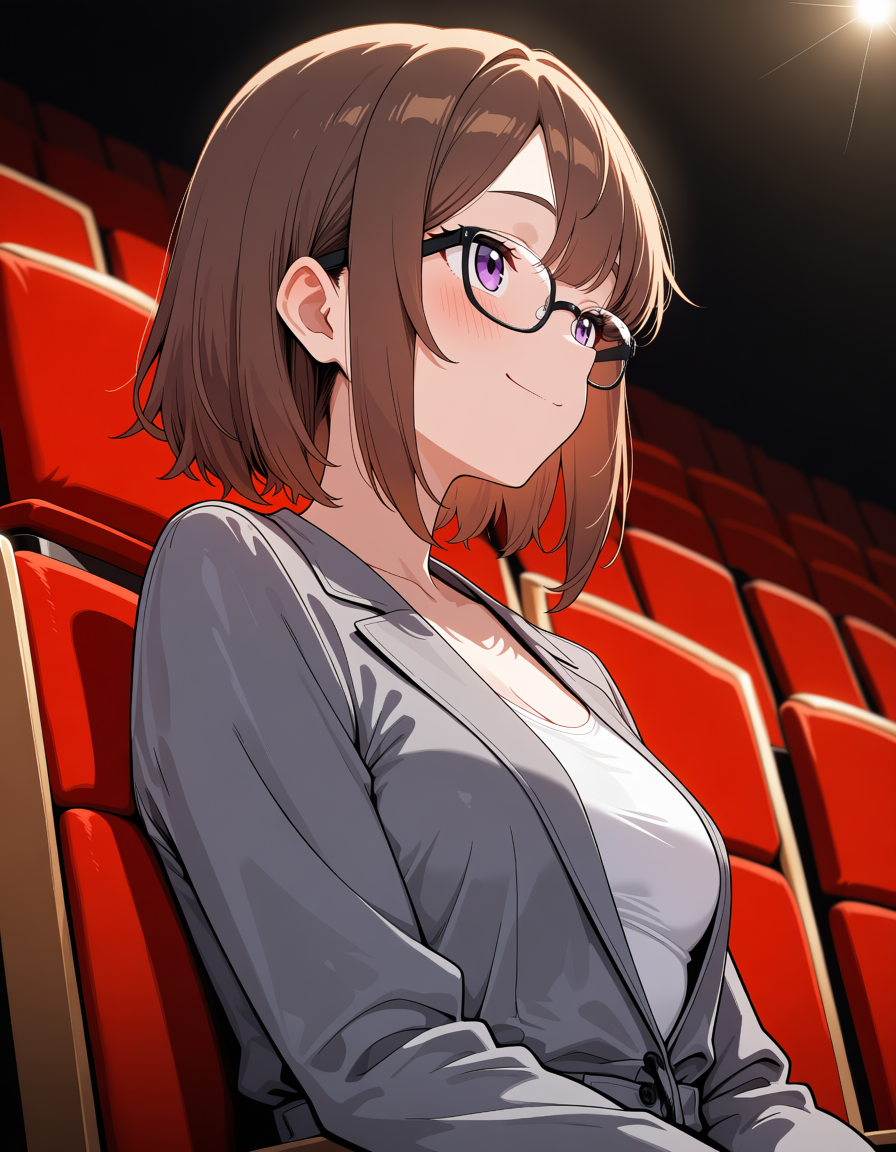
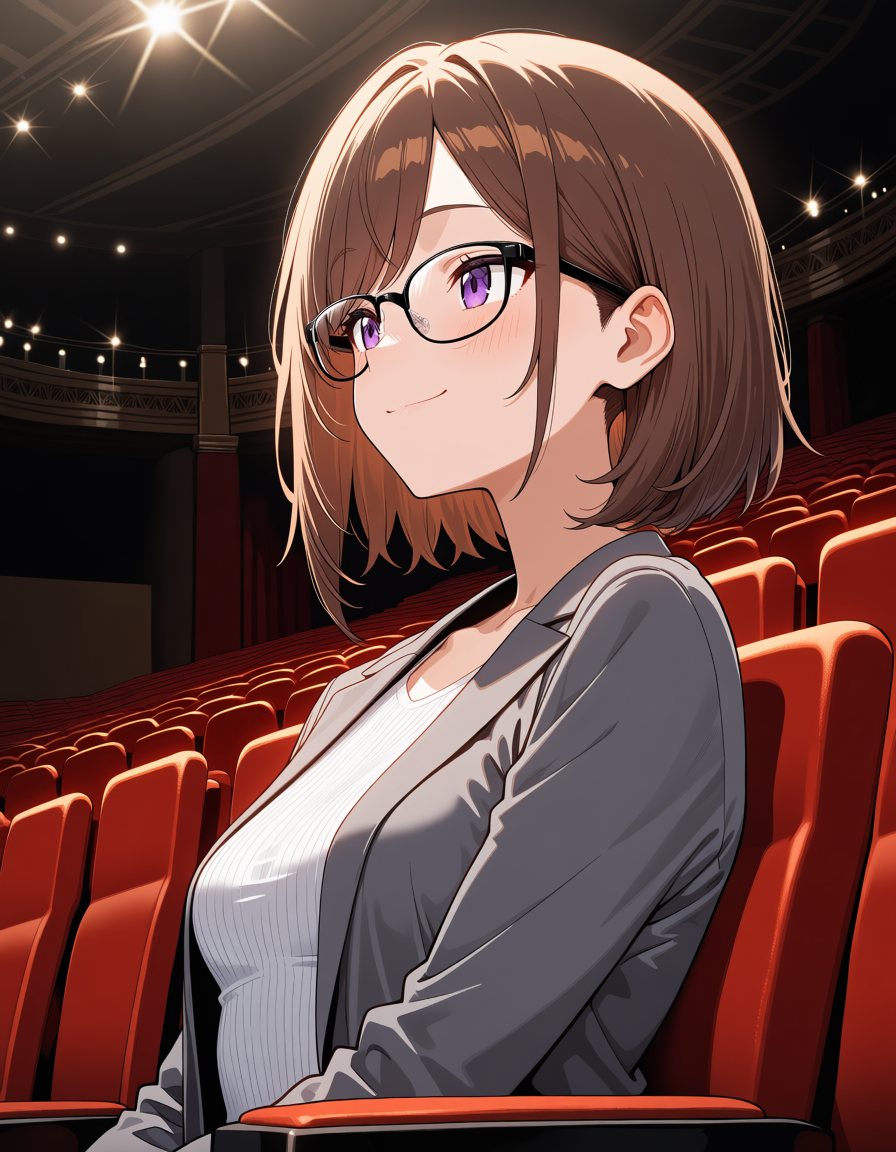
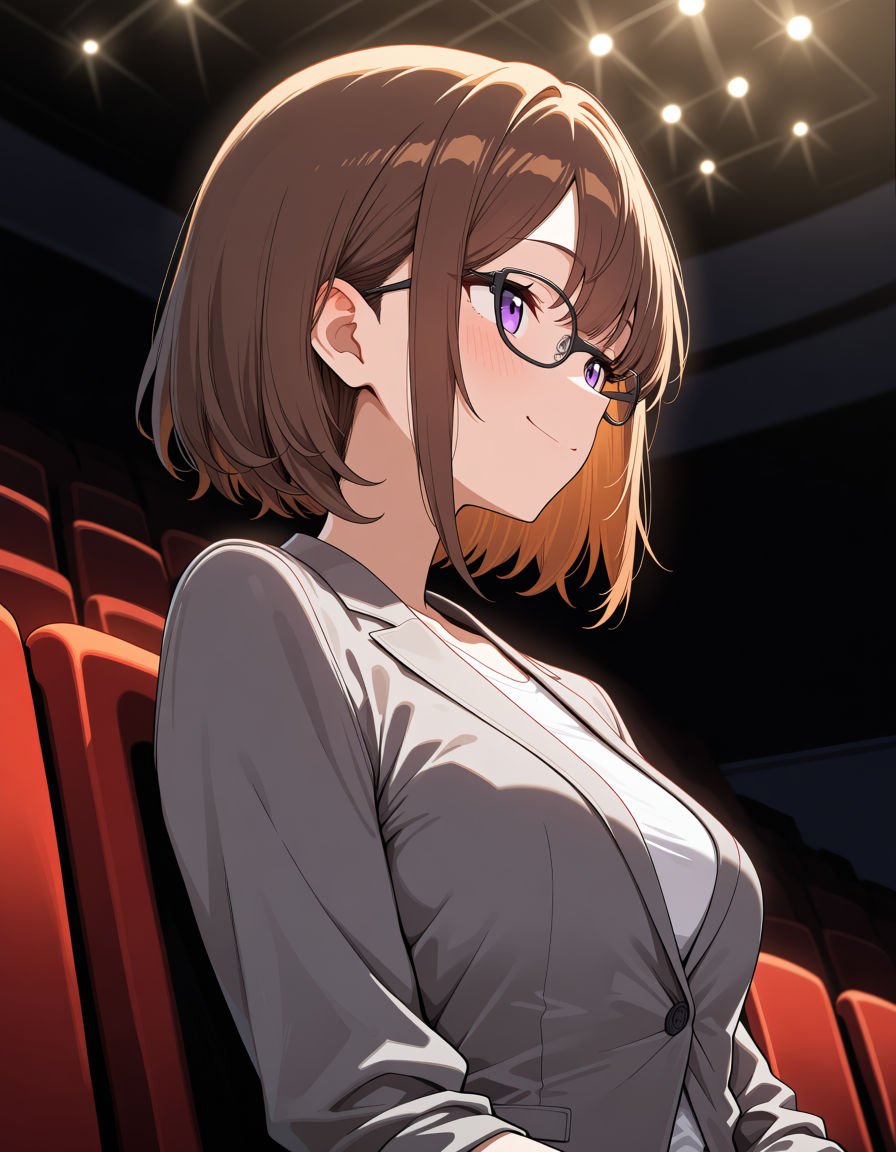
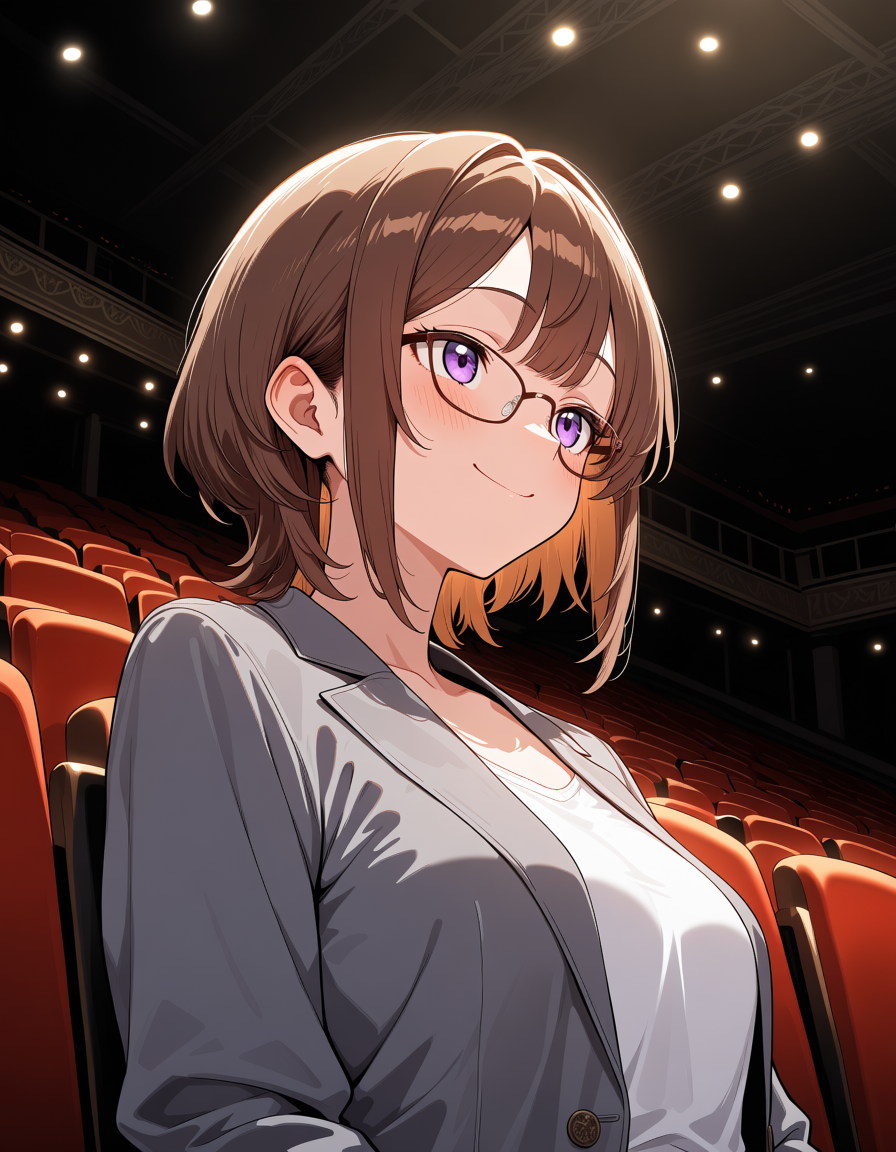
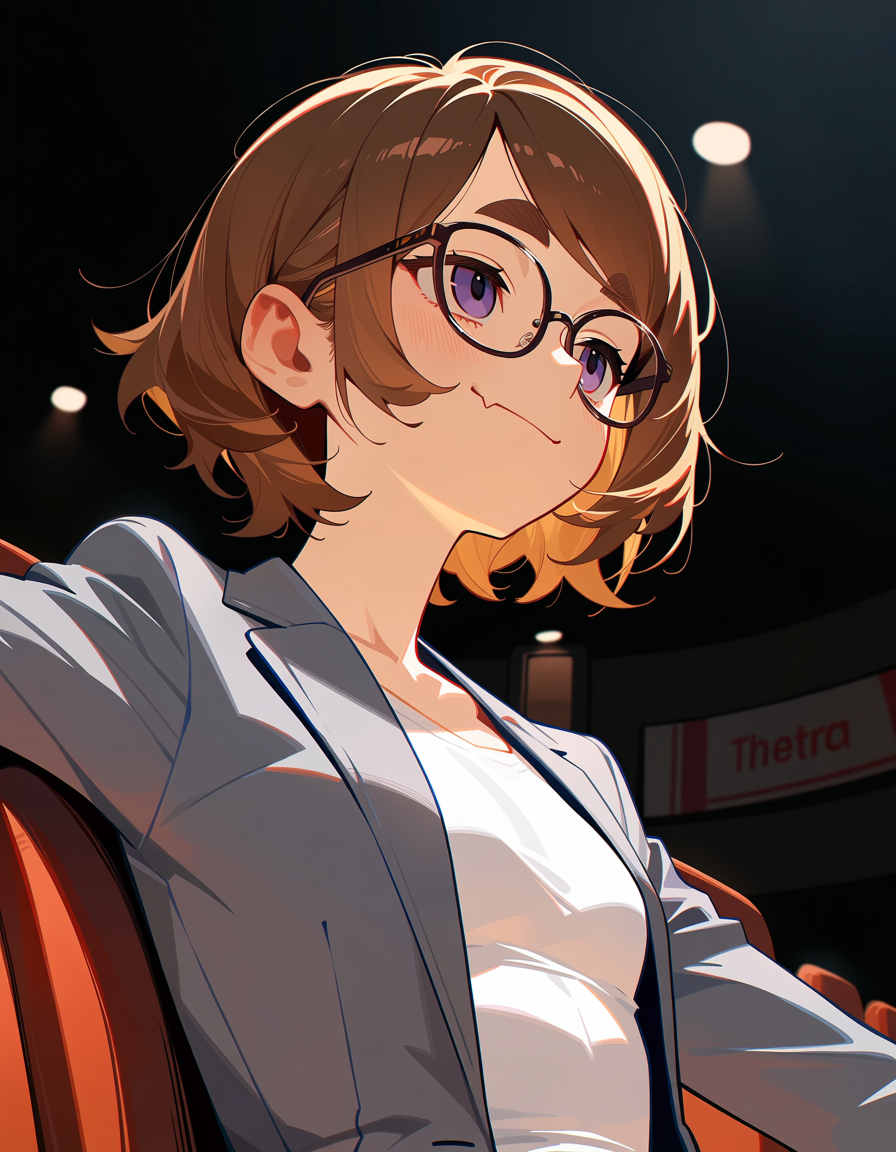
これはAnimaのプレビュー版であるpreview3-baseから作られたanimaCatTower_v05.safetensorsで作った画像だが、非常に品質がいい。
恐らくbase-v1.0で作り直されれば、より品質が高まるだろう。
Animaは絵師指定による絵柄の再現ができる
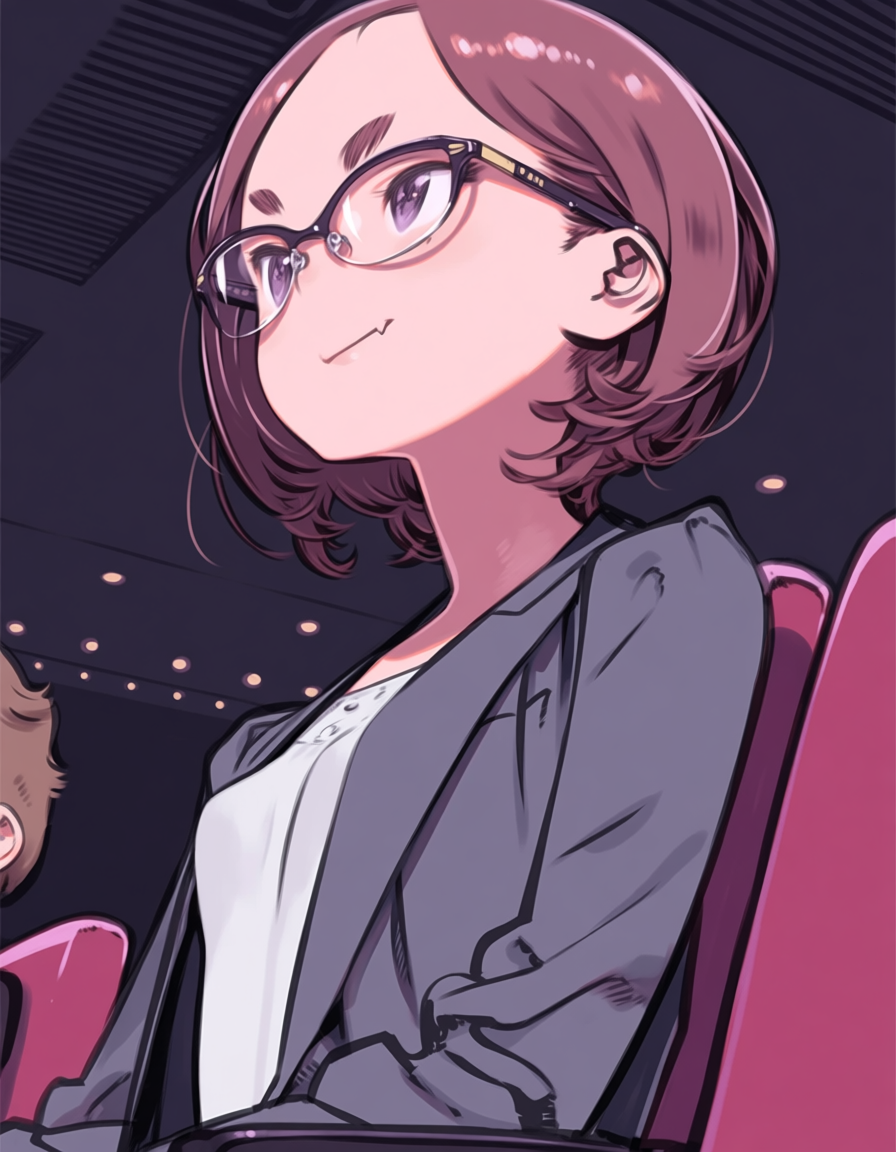
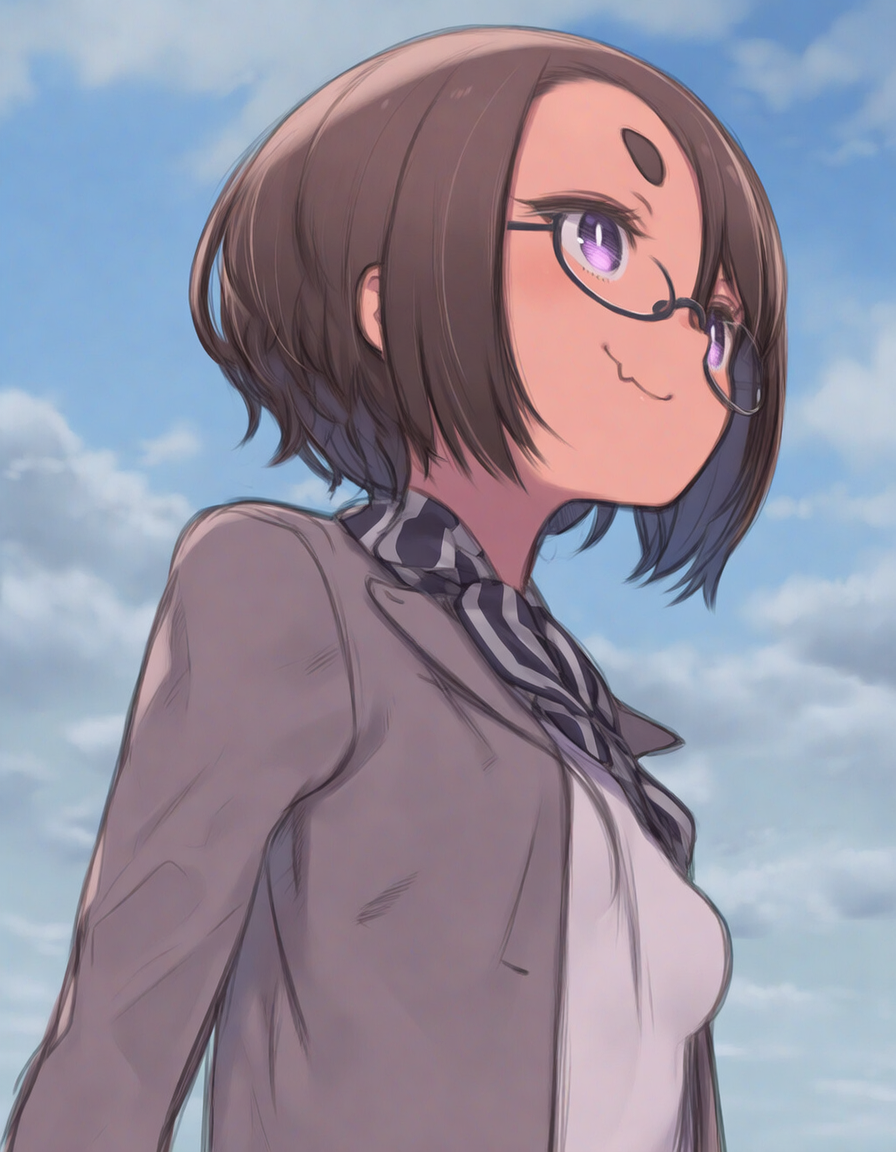
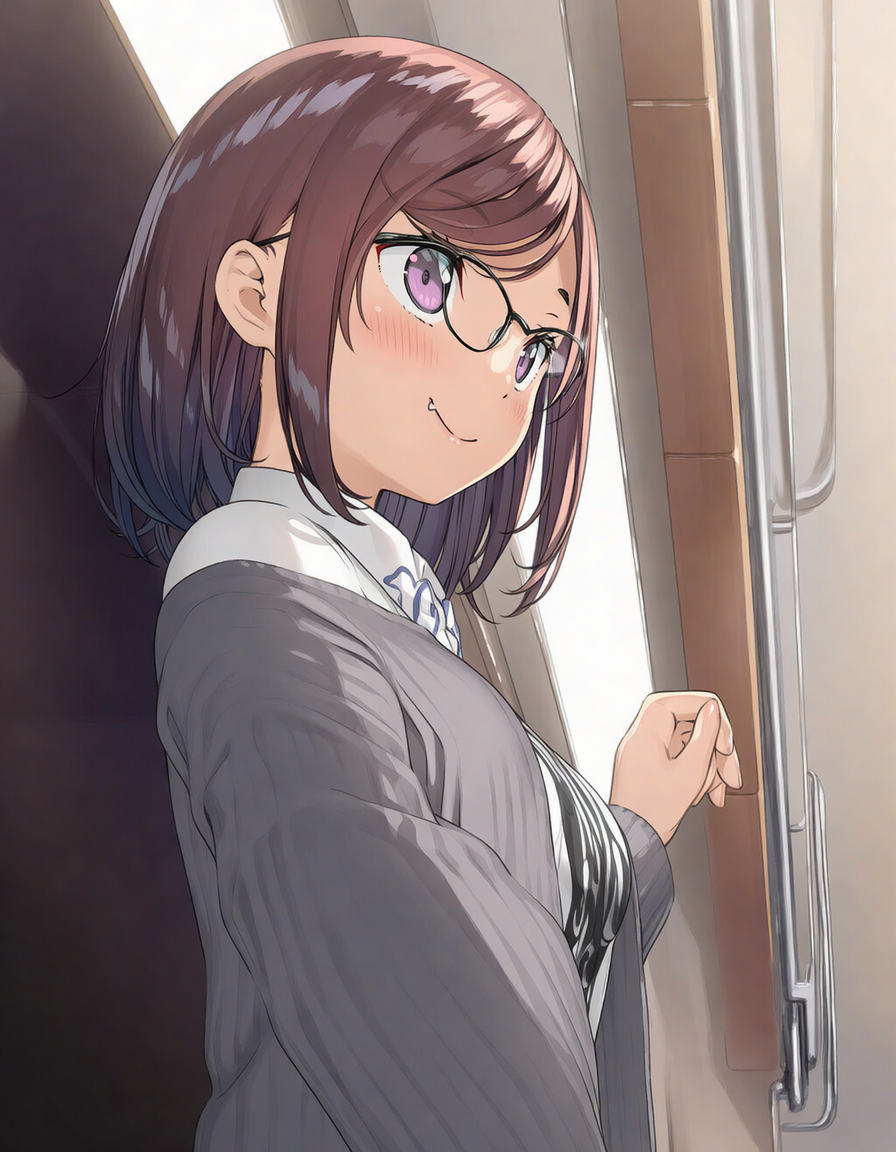
NovelAIには劣るものの、これまでLoraがないと厳しかった絵柄の再現がある程度できる。いくつか実際に比較してみた。
黒星紅白
やや破綻が見られるものの、絵柄としてはだいぶ出ていると思う。NovelAIほど正確さがないのはある意味で便利かもしれない。
| Anima | NovelAI |
|---|---|
 |
 |
カントク
ディティールはそこまでないが、大まかにはそれっぽいのが出せていると思う。NovelAIと比べるとどうしても劣る。
| Anima | NovelAI |
|---|---|
 |
 |
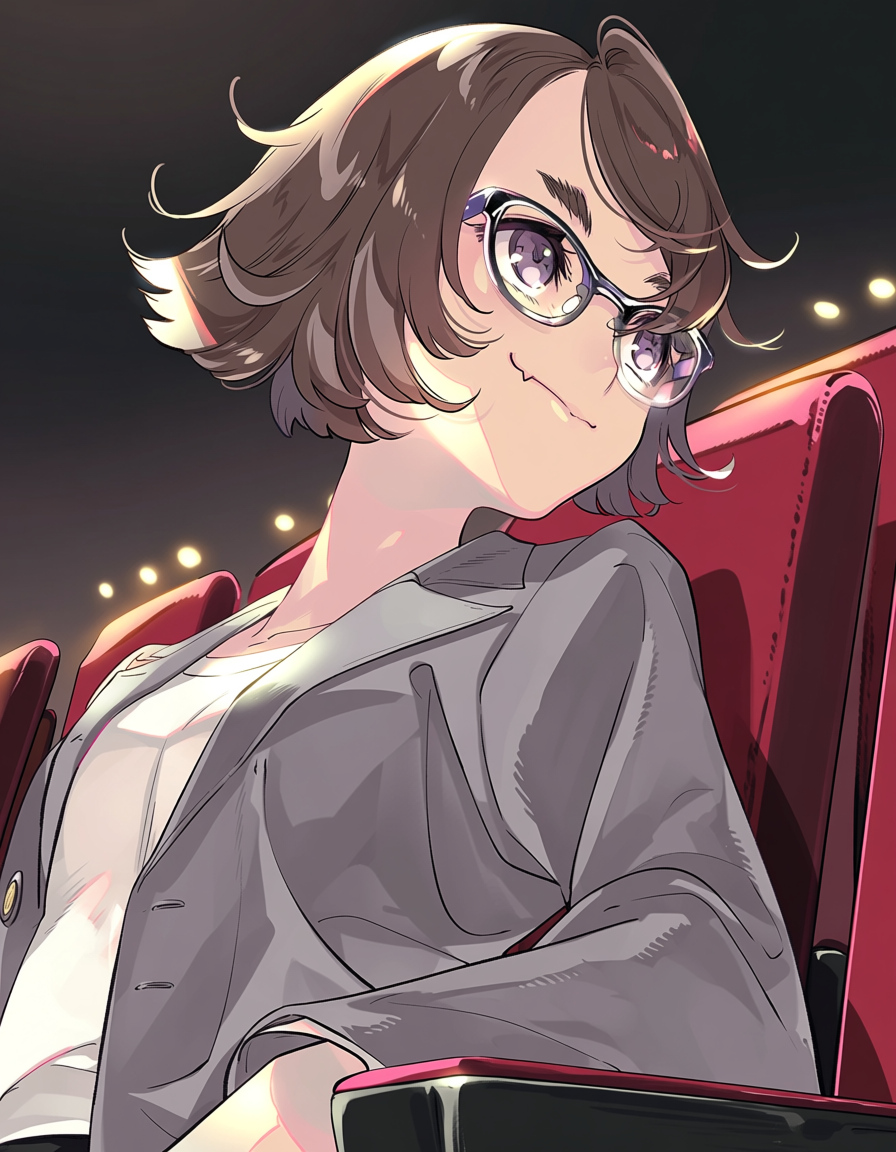
いとうのいぢ
これがいとうのいぢの絵柄見えたら大分目が悪いと思う。学習量が少ないのか精度が悪い。NovelAIは流石に圧巻である。ただNovelAIも絵柄が古く、ハルヒ時代といった感じだ。最新ののいぢという感じはしない。
| Anima | NovelAI |
|---|---|
 |
 |
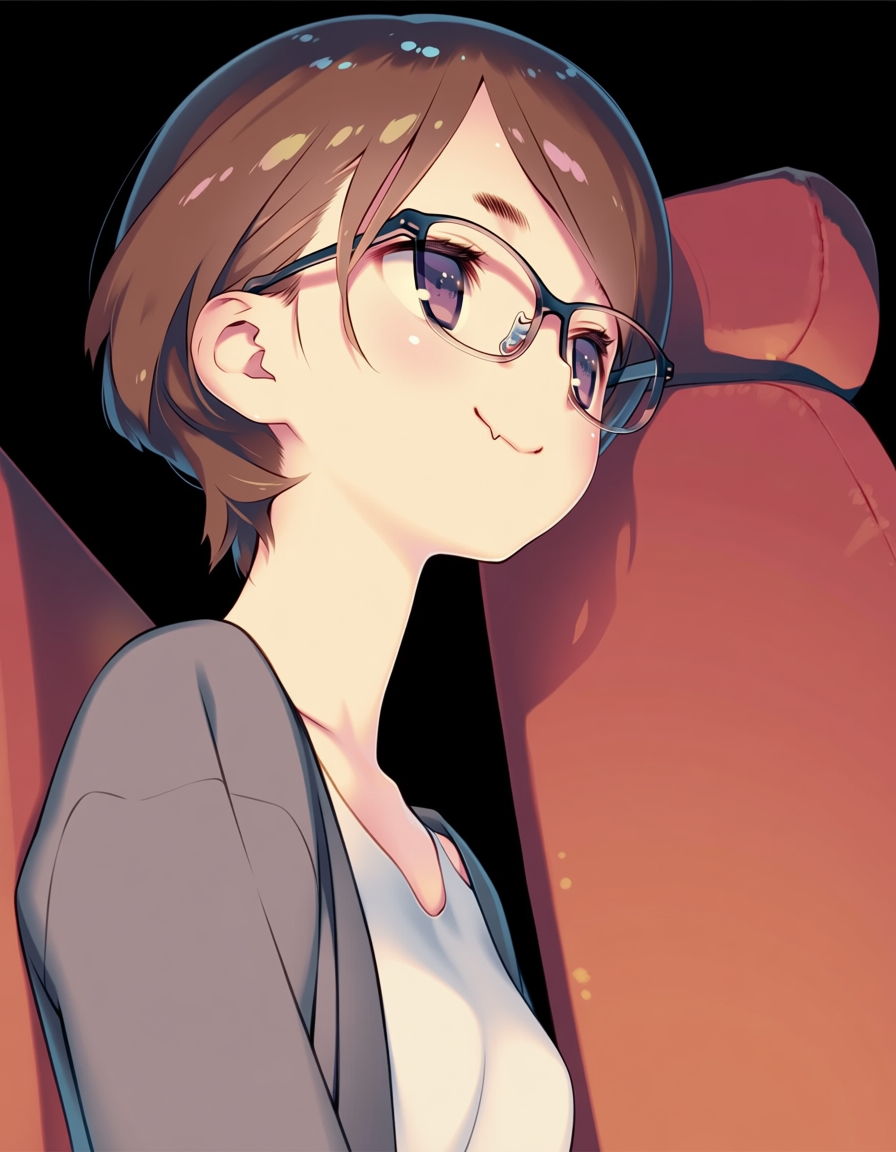
☆画野郎
遠目に見えれば見えなくはないが、だいぶ厳しい。線の丸みと色の淡さはそれっぽいかもしれない。NovelAIの再現性は流石である。
| Anima | NovelAI |
|---|---|
 |
 |
キャラ指定で絵が出せる
これも従来であればLora或いは、専用のモデルが必要だったが、一応出せるようになっている。
但し単純なプロンプトでは品質が悪くなりがちで、NovelAIと比べると勝負にすらならないレベルだ。とはいえ、それができるようになったというだけでも十分すごい。
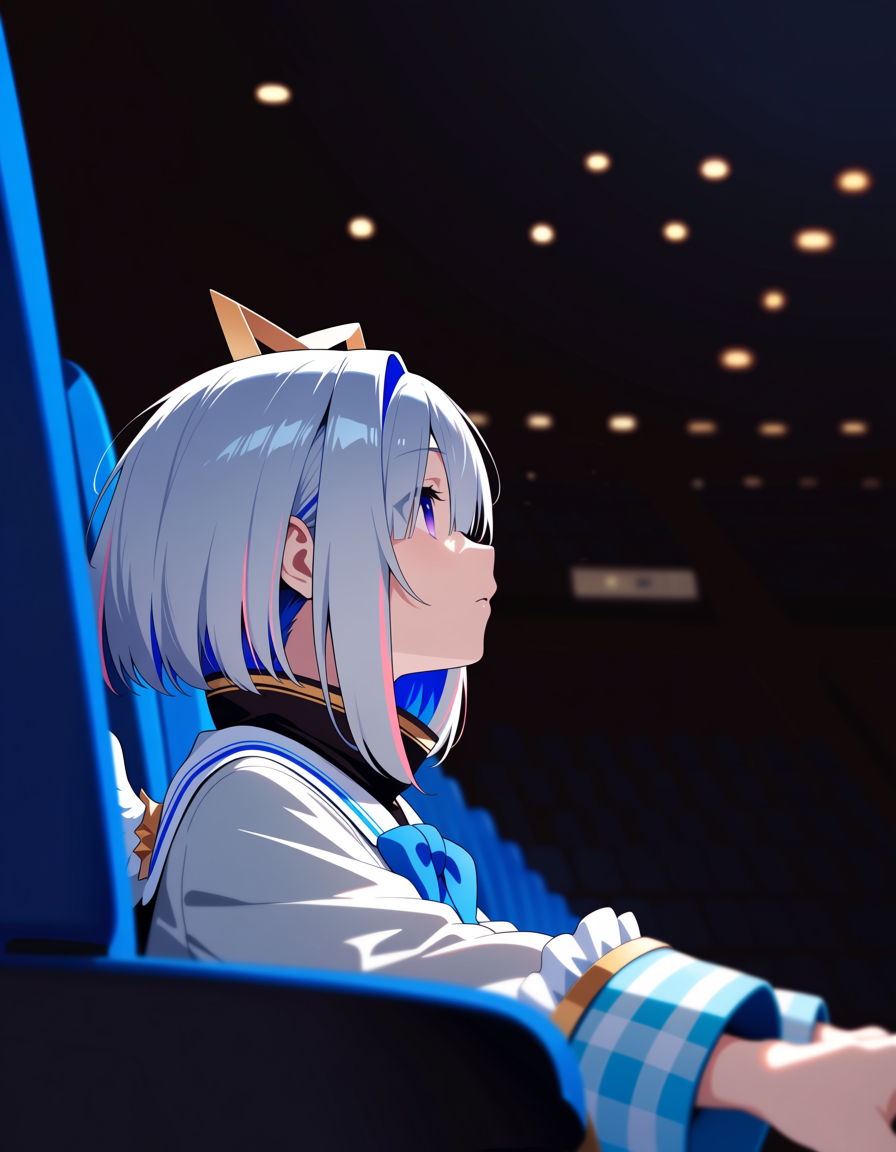
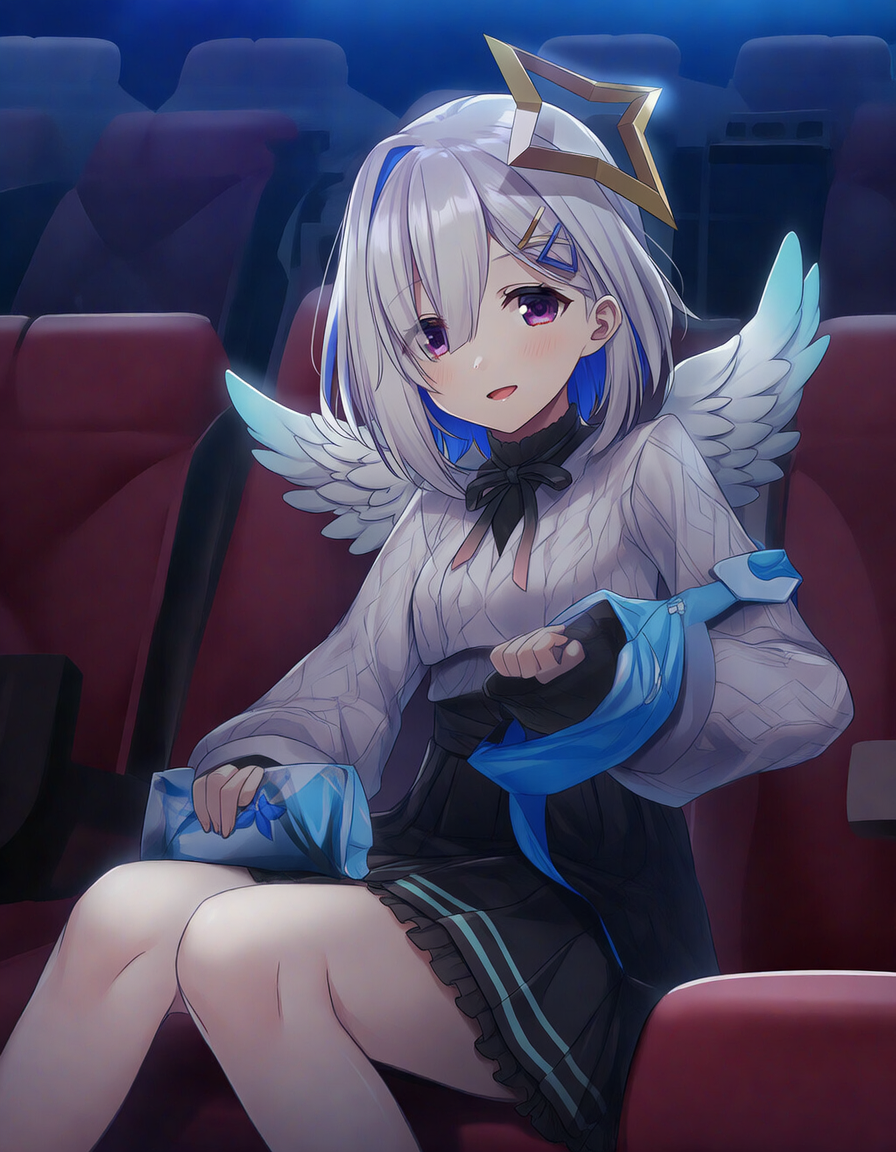
天音かなた
ここまでの品質のものは中々出ないので奇跡の一枚に近いが、天音かなたを出すことができる。10回くらい回したが、大半は天音かなたのような何かだったので、安定性はない。
NovelAIでは非常に安定して天音かなたを出力できる。
| Anima | NovelAI |
|---|---|
 |
 |
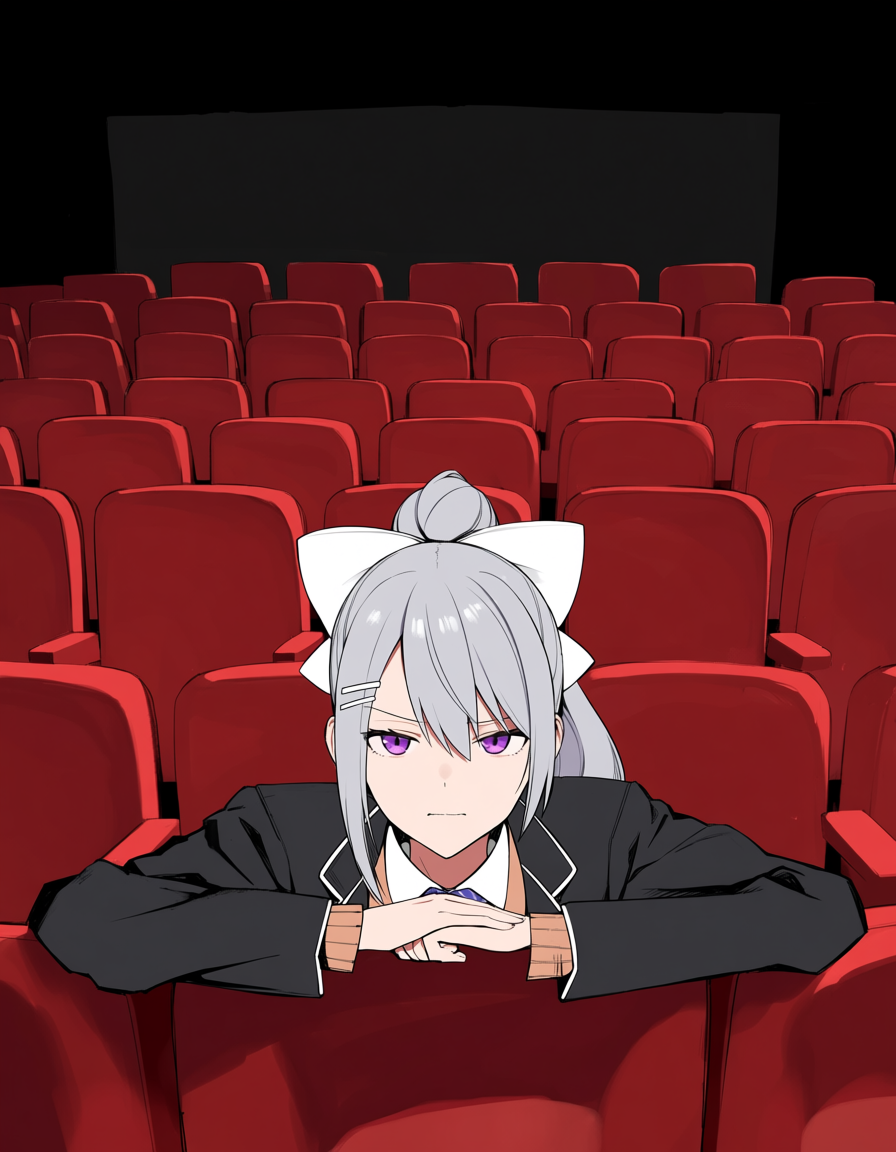
樋口楓
これも奇跡の一枚に近いが、泣きボクロがないけど樋口楓に見える何かは出ている。
勿論、NovelAIのほうが再現性が高く安定している。
| Anima | NovelAI |
|---|---|
 |
 |
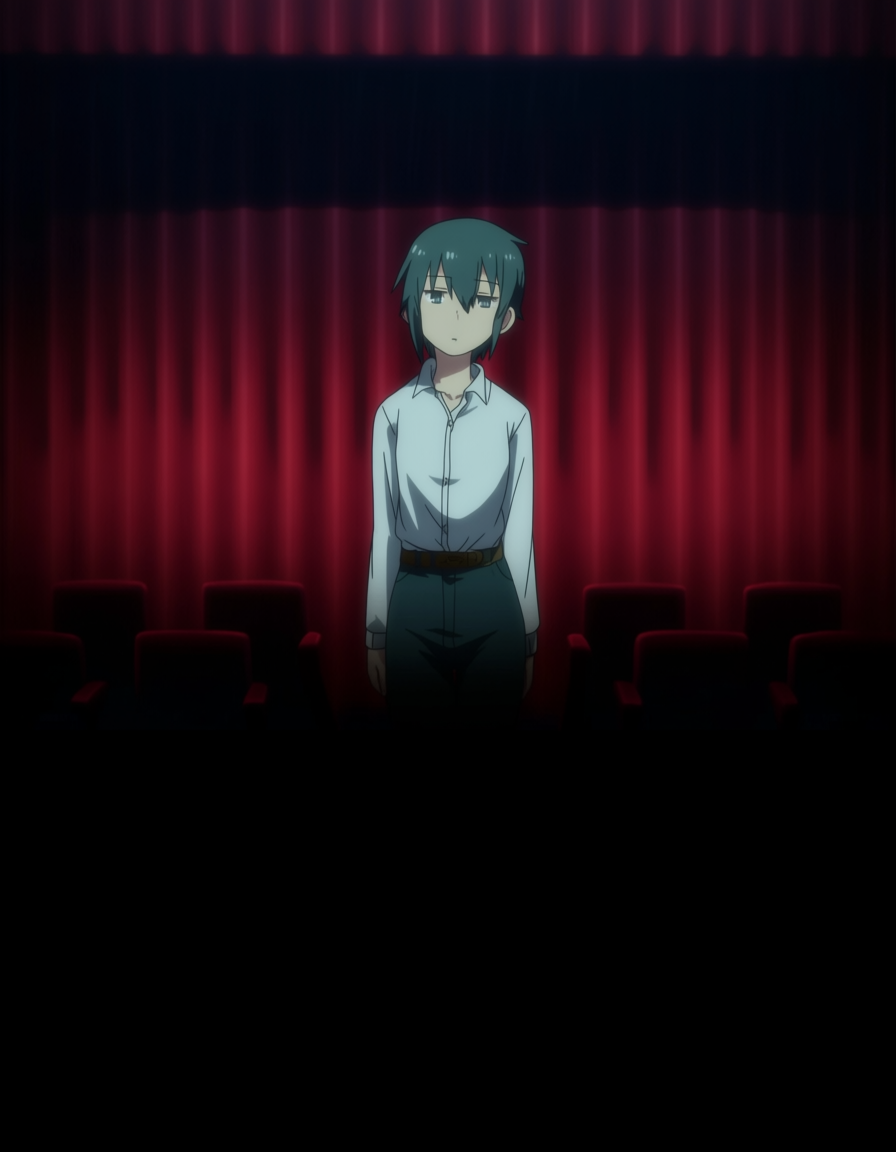
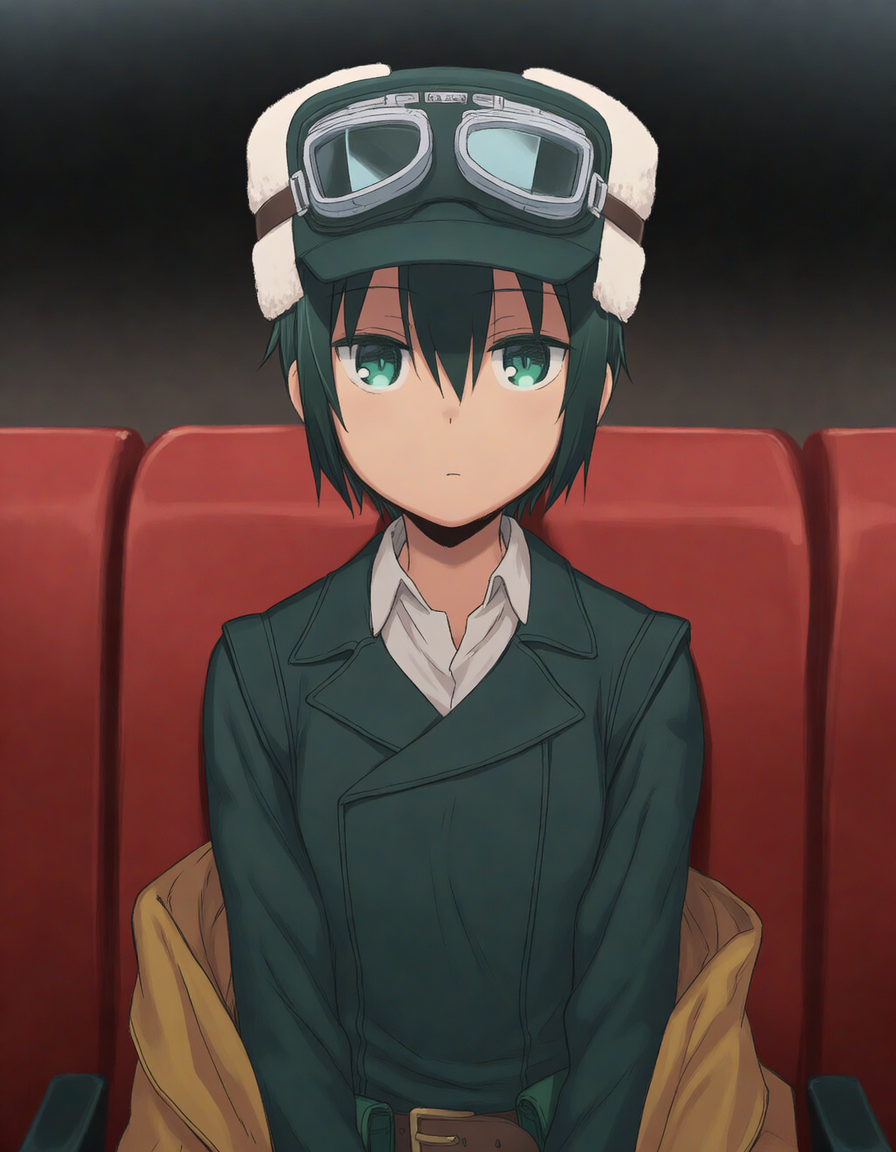
キノ
キノに見えなくもないくたびれた男性のようなものが出てきた。これでも奇跡の一枚で、酷いと人の姿さえ出てこないことがあった。
NovelAIは安定しており、何枚か出してみたところ特に指定していないにもかかわらず、パースエイダーを構えているものを出すことさえできた。但し指が破綻していたのでここには載せていない。
| Anima | NovelAI |
|---|---|
 |
 |
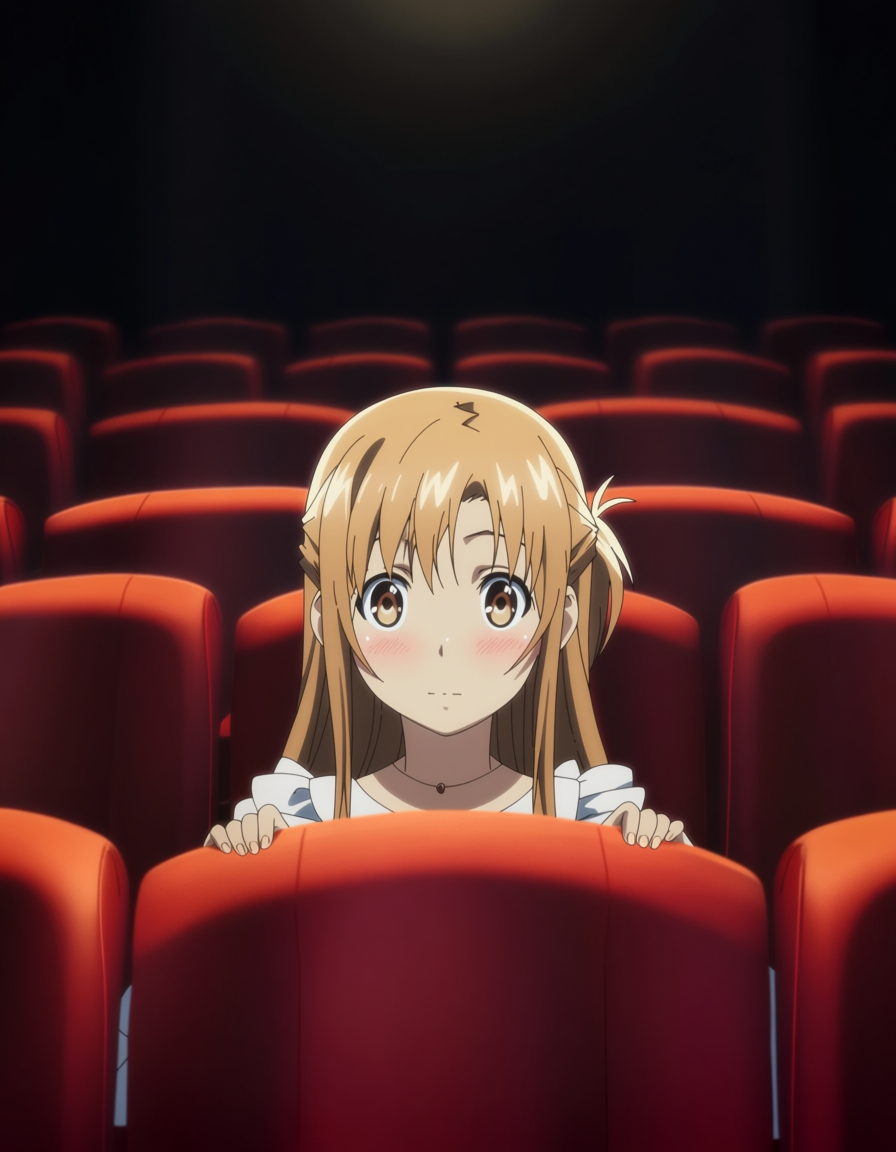
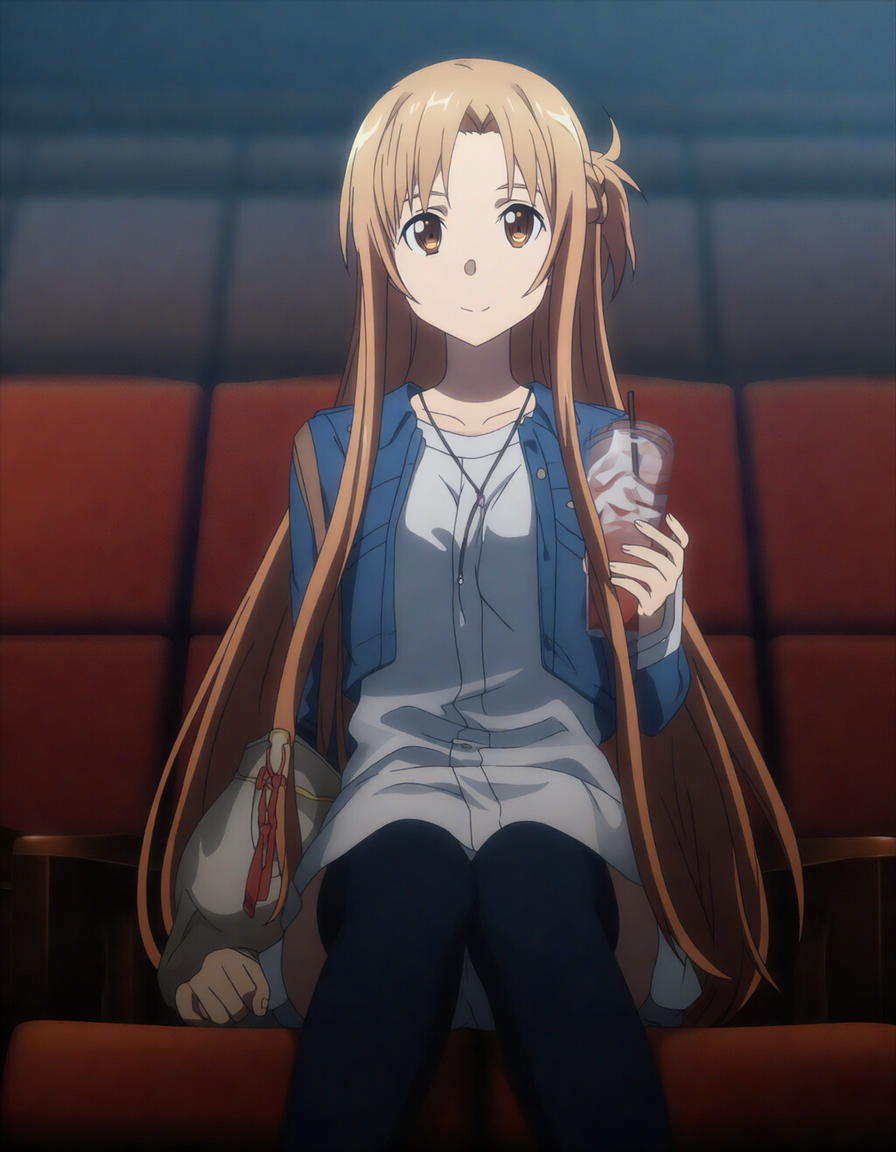
アスナ
いわれてみればアスナに見えなくもないが、他人の空似レベルである。
NovelAIは(ry
| Anima | NovelAI |
|---|---|
 |
 |
あとがき
XL系と比べると出力時間が三倍かかるが、品質は大きく向上し、絵柄やキャラの再現もある程度可能になっているためローカルで色々やるにはよくなったと思う。
ただ版権絵を絵柄丸コピーでどうこうするとか、そういった用途に使うにはまだ厳しいと感じた。
絵柄やキャラ再現はLora + Ponyが非常に優秀なので、何もなしで高品質だけど時間がかかるAnimaがどこまでいけるのかは現段階では未知数である。
しかしながらポテンシャルは感じるので、今後GPUの性能向上や、ComfyUIやモデルの進化などによって、より良い方向へ向かう可能性は十分にあるだろう。恐らくRTX7070TiになるころにはXL並みの速度にはなっていると思う。