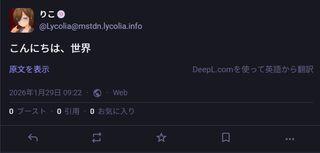
他のサーバーを見ていて、ウチでもMastodonに翻訳ボタンを生やして機能させたくなったのでやってみた結果のログ。
内容としてはDeepLのアカウントを作成し、APIキーを取得し、Mastodonの.env.productionに追記して反映するだけなので、5分くらいあればできる。
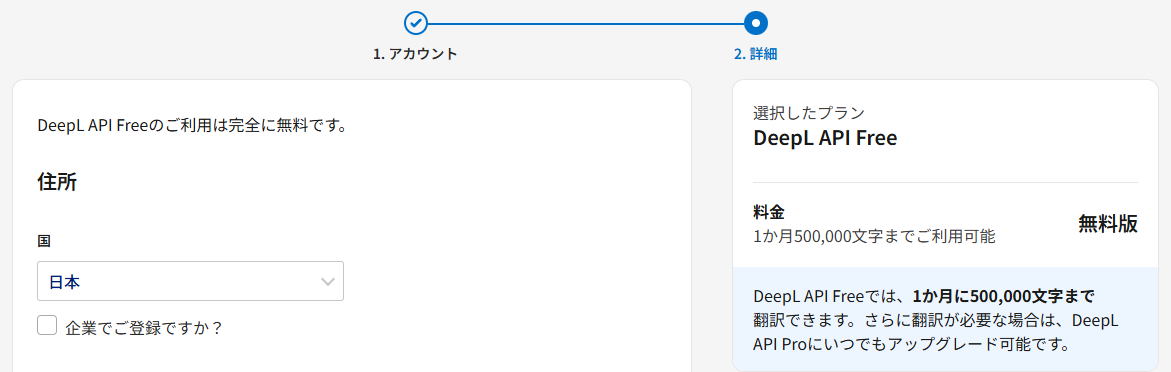
月50万文字まで翻訳できるので、たまに短文の翻訳に使う程度なら必要十分だろう。
確認環境
- Mastodon v4.5.4
やり方
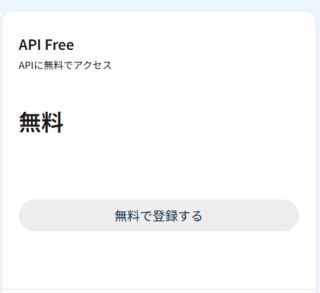
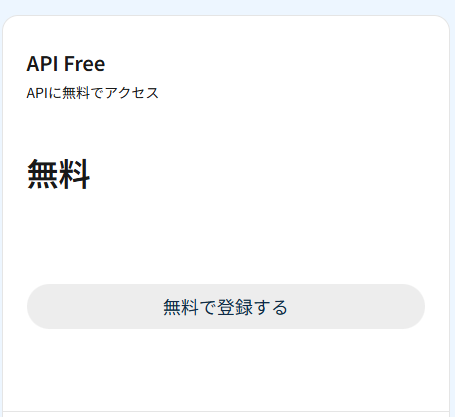
- DeepL ProのAPIタブを開き、無料プランに登録する。クレジットカードが必要だが、意図的にProプランにしなければ課金されないらしいので、恐らく害はないだろう。
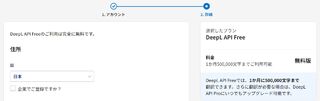
- 適当にDeepLのAPIキーを取得する。
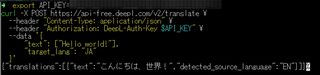
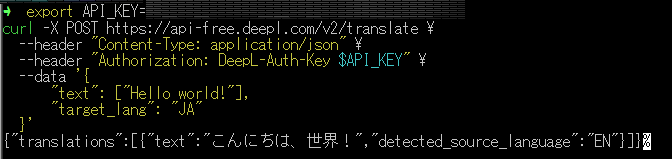
xxxxxx-xxxx-xxxx-xxxx-xxxxxxxx:fxみたいな形式のやつ - 以下のコマンドで疎通確認
export API_KEY={APIキー}
curl -X POST https://api-free.deepl.com/v2/translate \
 --header "Content-Type: application/json" \
 --header "Authorization: DeepL-Auth-Key $API_KEY" \
 --data '{
     "text": ["Hello world!"],
     "target_lang": "JA"
 }'
- Mastodonの
.env.productionに下記を追記DEEPL_PLAN=free DEEPL_API_KEY=XXXXXX-XXXX-XXXXX:fx - リビルド
RAILS_ENV=production bundle exec rails assets:clobber RAILS_ENV=production bundle exec rails assets:precompile - 再起動
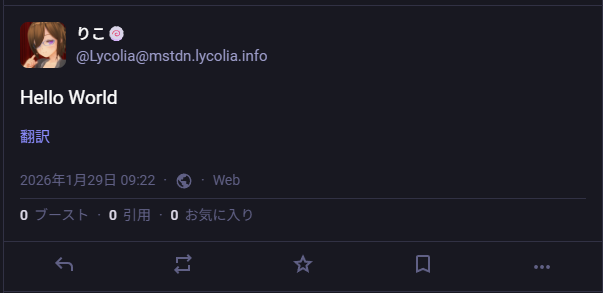
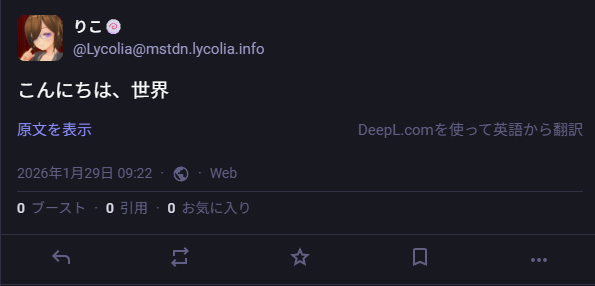
sudo systemctl restart mastodon-web - 動作確認して動いていればOK
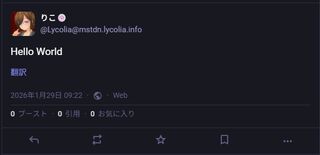
トラブルシューティング
クレカ登録時に「決済手段を認証できませんでした。別の決済手段を選択してやりなおしてください。 (Error Code: OFQUTG)」と言われる
ブラウザを変えるといける可能性がある。
これはWindows Edgeで試してこう言われ、何度試しても無理だったが、Android Edgeで試したら一発で行けたからだ。原因としては、StripeのSDKが以下のようなエラー吐いてたのが関係していたのではないかと思っている。
Applying inline style violates the following Content Security Policy directive 'style-src 'self''. Either the 'unsafe-inline' keyword, a hash ('sha256-XXXXXXXXXXXXXXXXXX='), or a nonce ('nonce-...') is required to enable inline execution. Note that hashes do not apply to event handlers, style attributes and javascript: navigations unless the 'unsafe-hashes' keyword is present. The action has been blocked.
あとがき
別にEdgeについてるBing翻訳機能でもいいのだが、こっちのほうが操作が楽だし、DeepL翻訳がうまくいかなければ、Bing翻訳という手も使えると思えばアリだろう。
2026-01-30追記
Misskeyをはじめとした互換性のないサーバーからの投稿配信すべてに翻訳ボタンが生えてきて邪魔なので結局取り去ることに…。翻訳ボタンが必要なケースは私のユースケースでは少ないので、この結果は微妙だった…。